
ggmapcn is a ggplot2 extension package for visualizing maps of China and the world with customizable projections and cartographic styling.
Because CRAN imposes strict size limits on package data, certain large geospatial datasets used by ggmapcn cannot be bundled directly. These datasets are stored externally and retrieved automatically using check_geodata(). All high-level functions—such as geom_mapcn() and geom_world()—internally call check_geodata() to ensure that required data files exist locally.
If the network is unavailable or remote mirrors cannot be reached, check_geodata() fails gracefully by returning NA paths. This behavior is fully compliant with CRAN’s policy for optional network resources.
Installation
Install the development version from GitHub:
# install.packages("devtools")
devtools::install_github("Rimagination/ggmapcn", force = TRUE)
Data Management with check_geodata()
Several datasets—such as world_countries.rda, China_sheng.rda, and gebco_2024_China.tif—are hosted externally.check_geodata() automatically:
- searches for existing files in:
- user-specified
local_dirs - the package
extdatadirectory - the per-user cache directory via
tools::R_user_dir("ggmapcn", "data")
- user-specified
- downloads missing files from mirrors (jsDelivr and GitHub)
- verifies checksums when available
- retries on failure and supports resume capability
- returns
NAinstead of errors when mirrors cannot be reached
To check and retrieve all files:
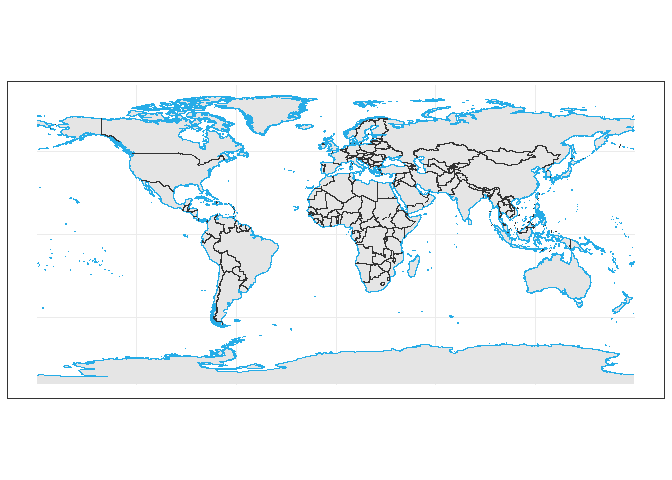
To retrieve explicitly the datasets used by geom_world():
check_geodata(c(
  "world_countries.rda",
  "world_coastlines.rda",
  "world_boundaries.rda"
))
If your network cannot access cdn.jsdelivr.net or raw.githubusercontent.com, you may manually download the files and place them in a directory passed to local_dirs.
Usage Examples
1. Basic Map of China
library(ggplot2)
library(ggmapcn)

ggplot() +
  geom_mapcn() +
  geom_boundary_cn() +
  theme_minimal()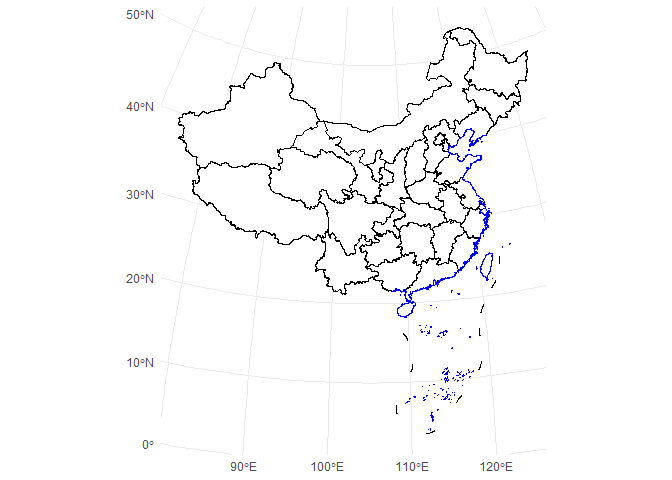
2. Custom Projection (Albers)
ggplot() +
  geom_mapcn(
    crs = "+proj=aea +lat_1=25 +lat_2=47 +lat_0=0 +lon_0=105 +datum=WGS84",
    fill = "white",
    color = "black",
    size = 0.7
  ) +
  geom_boundary_cn() +
  theme_bw()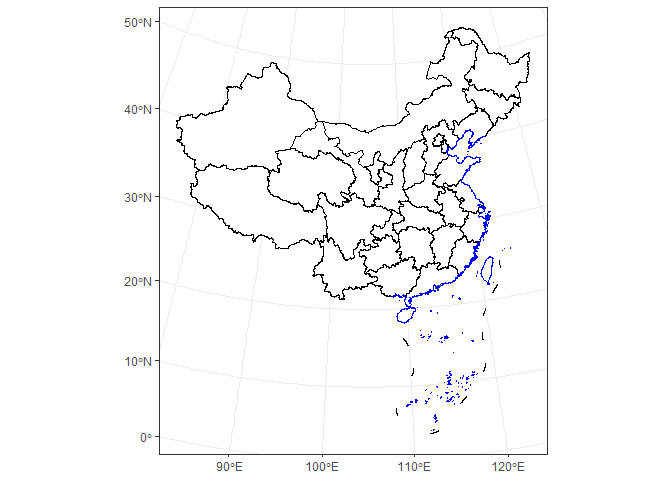
3. Adding Mainland Borders and Coastlines
ggplot() +
  geom_mapcn(fill = NA) +
  geom_boundary_cn(
    mainland_color = "black",
    mainland_size = 0.5,
    coastline_color = "skyblue",
    coastline_size = 0.5
  ) +
  theme_bw()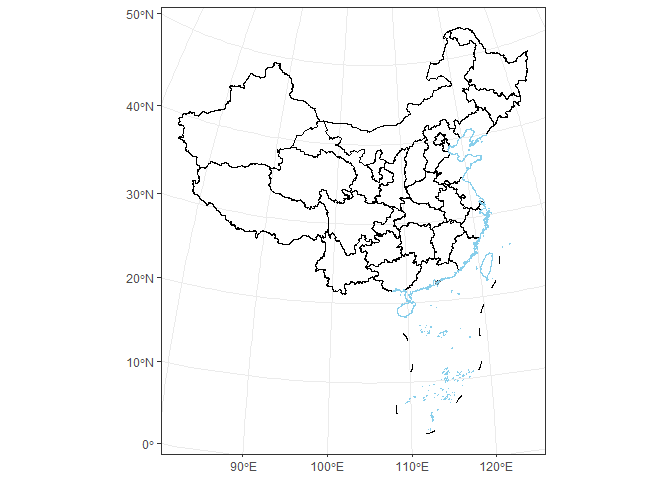
4. Buffer Zones
ggplot() +
  geom_buffer_cn(mainland_dist = 40000) +
  geom_buffer_cn(mainland_dist = 20000, fill = "#BBB3D8") +
  geom_mapcn(fill = "white") +
  geom_boundary_cn() +
  theme_bw()
#> Warning: attribute variables are assumed to be spatially constant throughout
#> all geometries
#> Warning: attribute variables are assumed to be spatially constant throughout
#> all geometries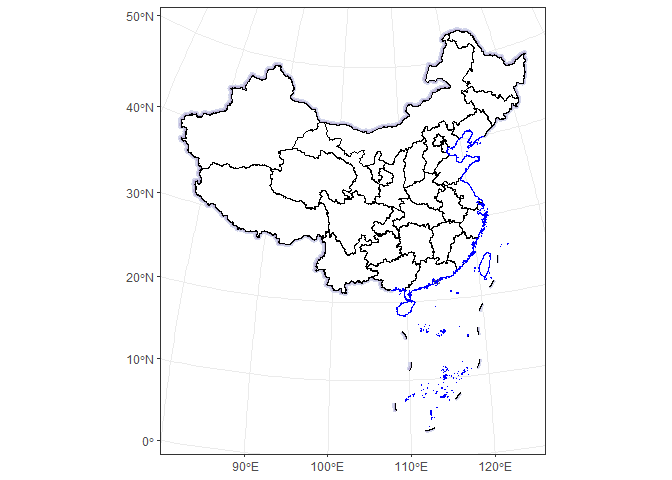
Data Sources
China administrative boundaries
Provided by Tianditu
https://cloudcenter.tianditu.gov.cn/administrativeDivision/
Province-, prefecture-, and county-level boundaries are preprocessed and simplified for efficient rendering in ggplot2.